RuneLite Automation
for Old School RuneScape
Automation plugins that run inside the RuneLite client you already use. No custom client. No client switching. Just your RuneLite, with automation built in.
How It Works
Get started in three simple steps
Download the Plugin
Buy a plugin and download the file.
Sideload into RuneLite
Drop the file into your RuneLite plugins folder.
Start Automating
Enable the plugin, configure it, and let it run.
Plugin Catalog
 Farming
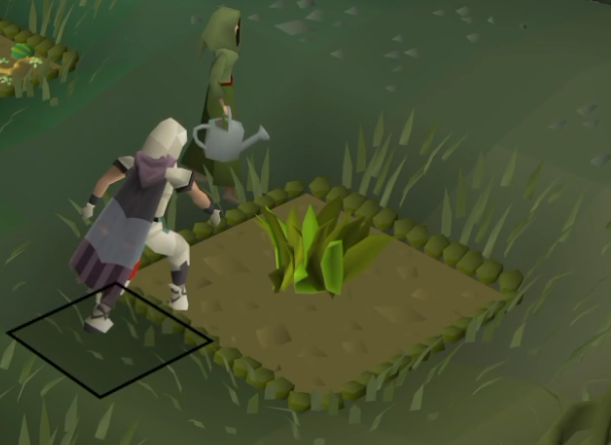
Farming Run
Herb, tree, fruit tree and hops runs, start to finish: banks, travels, harvests, composts, replants and notes your produce.
$150
900M GP
 Skilling
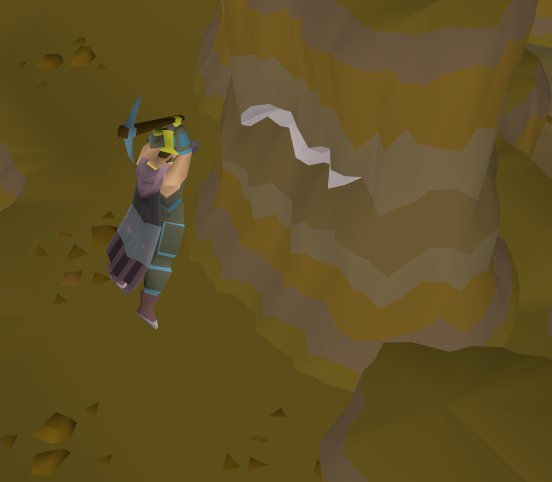
Mining
Power-mines or banks 16 ore types across 22 spots, from Lumbridge Swamp copper to Motherlode Mine and Mining Guild amethyst.
$40
240M GP
 MinigameComing Soon
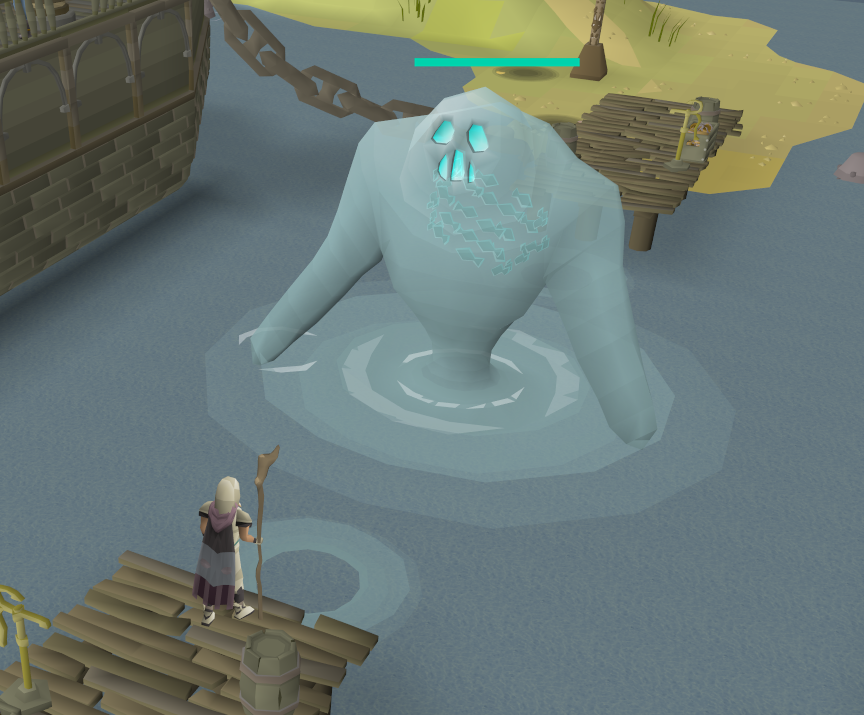
Tempoross
Automates the Tempoross fishing boss: catch, cook, fire, and dodge the storm.
$85
510M GP
 Skilling
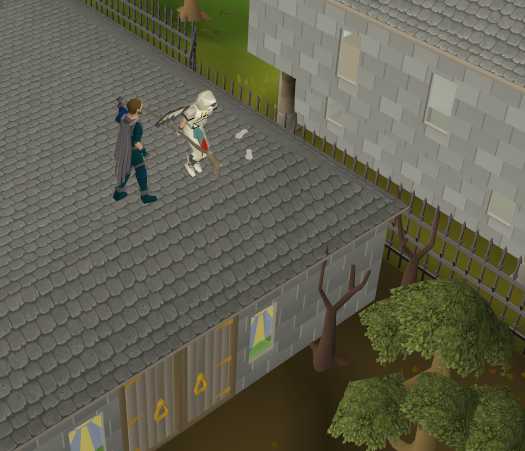
Rooftop Agility
Runs laps on six rooftop courses, Draynor Village to Pollnivneach, and picks up marks of grace along the way.
$50
300M GP
 Combat
Brutus
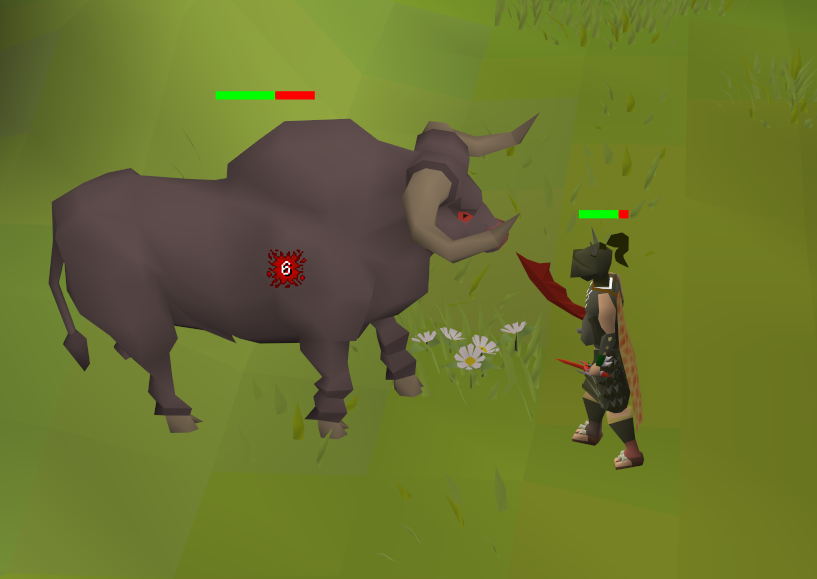
Kills Brutus in the Lumbridge cow field on repeat: dodges his charge and stomp, loots, banks and heads back in.
$35
210M GP
 Skilling
Thieving
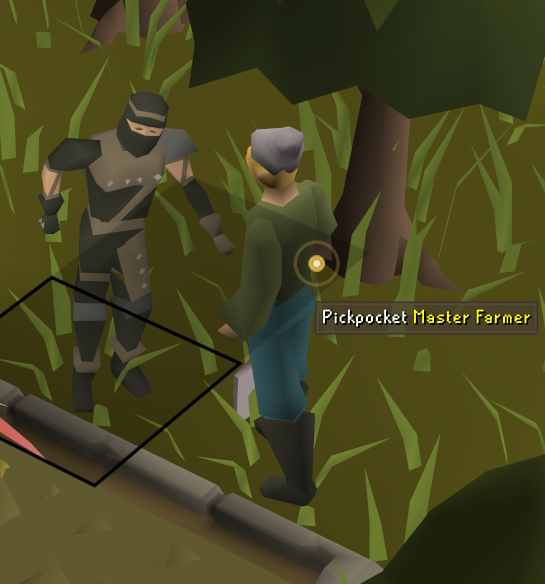
Pickpockets anything from men to TzHaar-Hur, or steals from the Hosidius fruit stalls, then banks the loot and walks back to the same spot.
$40
240M GP
All plugins
Farming
Skilling
Why Pluginscape
No Custom Client
Runs on vanilla RuneLite. One JAR, sideloaded into the client you already trust. Nothing else to install.
Easy Install
Drop the plugin into your RuneLite folder and you're good to go. Setup takes under a minute.
Use on Two Computers
Every license works on your desktop and laptop out of the box. Need more devices? Additional slots are available.
Regular Updates
Plugins update automatically, and we fix breaking changes after game patches as soon as we can. Updates are free, forever.
Questions before you buy? Reach out — we're happy to help.
Frequently Asked Questions
Is this a custom RuneLite client?
No. Pluginscape plugins are standard JAR files that sideload into vanilla RuneLite. You don't need to download or run any custom client.
How do I install a plugin?
After purchasing, download the installer for your OS and run it. The installer places the plugin in the right folder and handles everything else. Full guide: Getting Started.
What payment methods do you accept?
We accept cryptocurrency (BTC, ETH, LTC, and more). Traditional payment processors don't support game automation software, so crypto is the standard payment method for this industry. Payment is handled by our self-hosted BTCPay Server.
How do I know the plugin is safe?
Every outbound request, every file the plugin writes, and everything it does NOT do is documented on our Trust & Transparency page. You can also decompile the agent yourself — it's about 200 lines.
Can I use a plugin on multiple accounts?
Yes — your license is tied to your hardware ID, not your OSRS account. You can use it on as many game accounts as you like on the same machine.
What happens if a plugin breaks after an OSRS update?
We fix breaking changes after game updates as soon as we can, and the fixes reach you automatically.
Do you offer refunds?
Yes, if it doesn't work. If a plugin won't run on your setup and we can't fix it within 48 hours, you get a full refund. Contact support within 7 days of purchase. We don't refund for a change of mind.